¶ Overview
The player can equip their Fleet Ship with orbital strike weapons, and use programmable grenades to call down the strikes as needed while on the planet.
¶ Acquiring Skydrops
During the quest Port in a Storm, the player will have their first experience with Skydrops, though the way they are introduced is an abridged version - focusing on the aftermath rather than the full process.
During the follow-up quest, the player will be given the opportunity to install a Skydrop to their Fleet Ship.
Skydrops are installed via the Ship Builder through Gren only and can be found under the Equipment category.
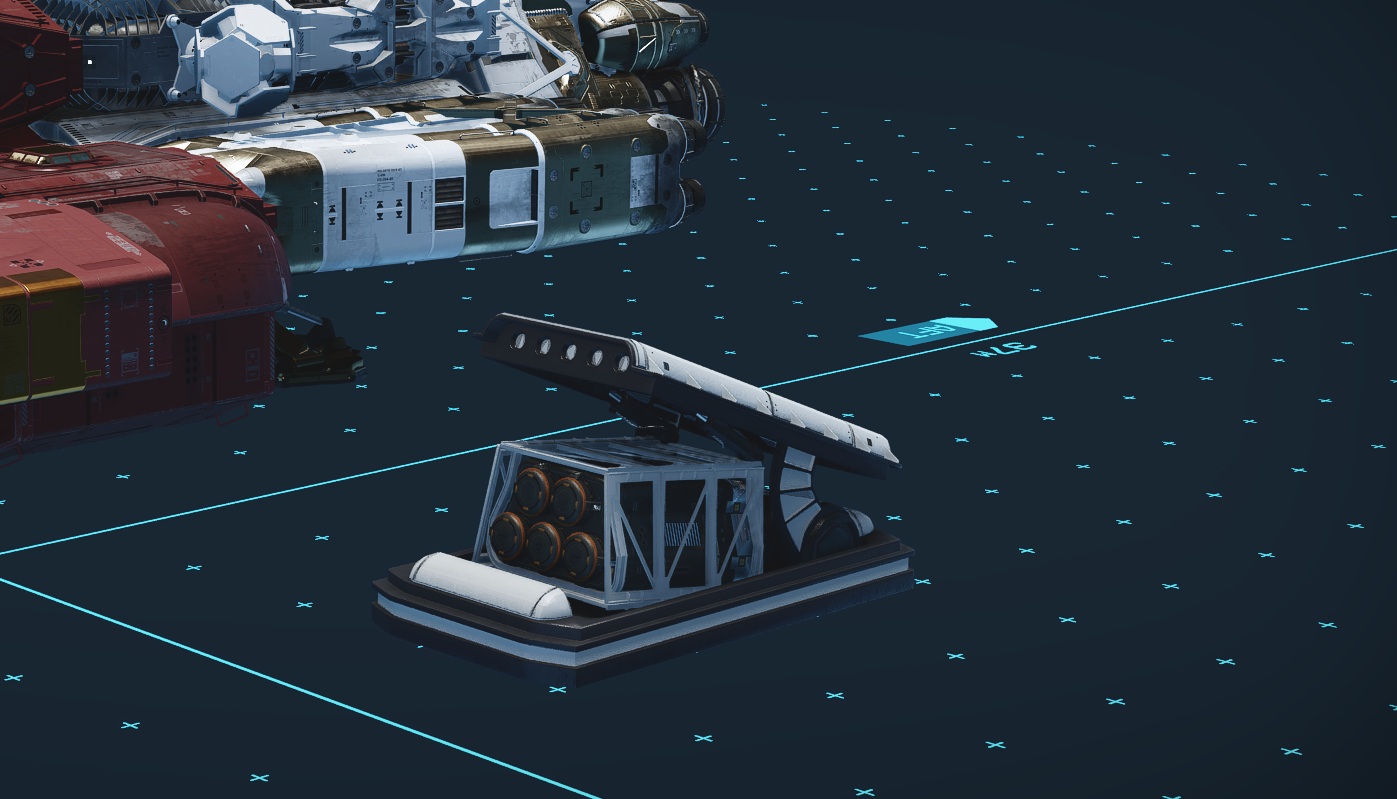
Installing them on the player's personal Home Ship isn't useful, as the player will be landing with it planet-side. The goal is to install these modules on their Fleet Ships.
Each module has several facing options, as well as open and closed versions. Each of these does the same thing, and are provided to give the player some stylistic choice in how they look on their Ship.
¶ Using Skydrops
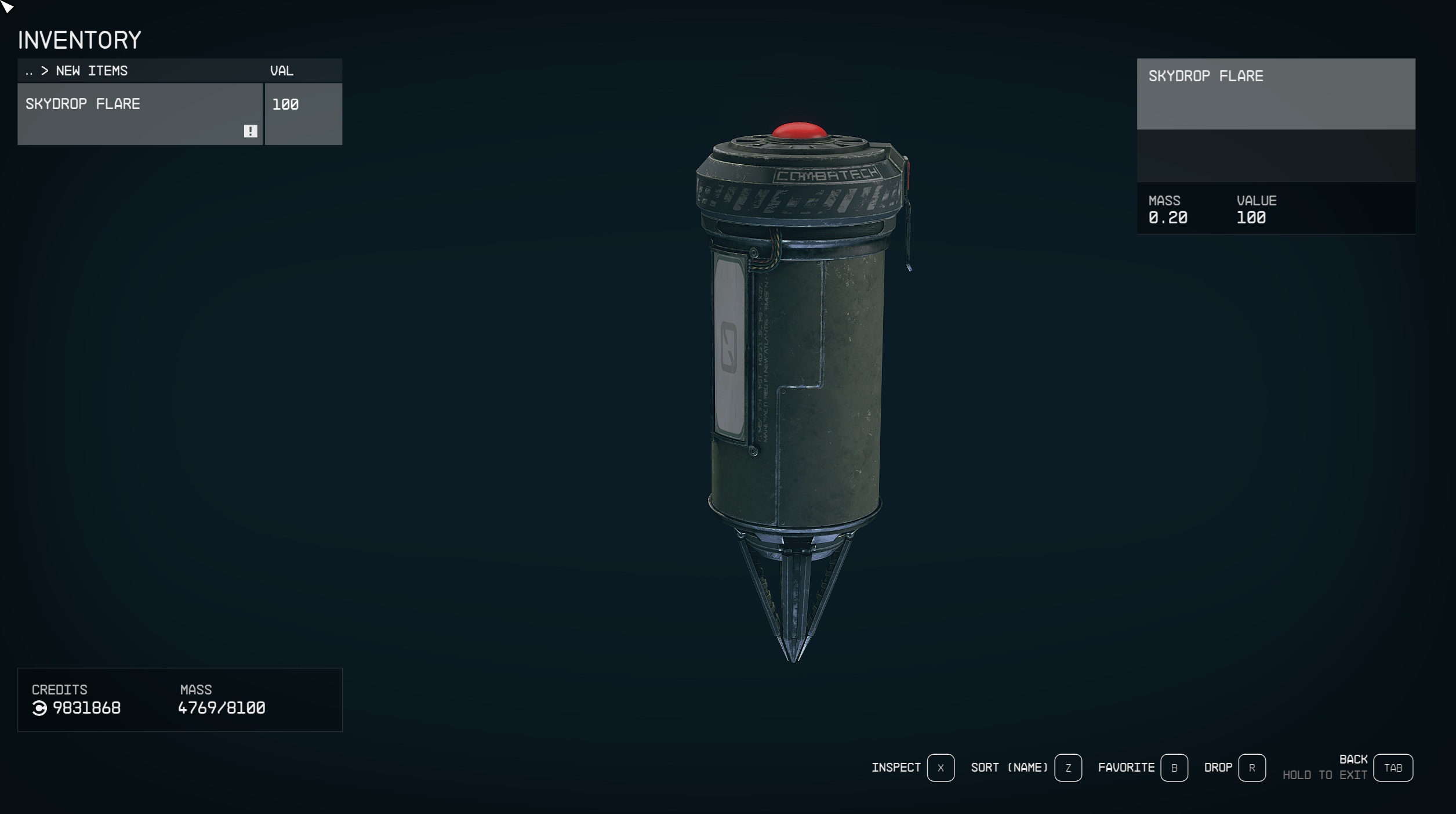
Skydrop Flares are a grenade with an exceptionally long throwing arc. Skydrop Flares are best used by adding them to the favorites menu; activating that entry in the menu will bring up the terminal (note that adding to favorites is not required and equipping them directly in the inventory menu will also trigger the terminal menu).
This menu starts with a list of categories - selecting a category reveals the available Skydrops with the number of remaining charges listed in parentheses. The number of charges shown is based on the player’s Fleet Ships, it does not include remaining charges on the player’s current Home Ship, or Ships that are not part of the Fleet, as the Skydrops are being fired from orbit (which is where the player’s Fleet waits when the player is on a planet.)
Once the player selects a Skydrop type, the flare they activated will be replaced by one programmed for the Skydrop call they selected, and that new programmed flare will be equipped.
Throwing a programmed flare will mark that location for the Skydrop, and begin blinking a red light with a beeping sound.
The system will then confirm a Fleet Ship currently exists with a remaining charge for the requested Skydrop type. If so, the system will then check if dialogue options exist to acknowledge the flare, and the player will hear radio commentary if so. The pilot will acknowledge seeing the flare, and then a second or two later warn the player of the incoming Skydrop.
By default, the characters of Watchtower and all base game companions and crew have support for acknowledging Skydrops!
Mod Authors, if you have a custom companion or crew member you'd like to set up to react to Skydrops, it can be done with no need to parent to Watchtower! Check out the tutorial here.
Regardless of whether radio commentary was available, a short moment later the player will hear the incoming sound and can look up to see the Skydrop falling down from far above. With the exception of Bombardment, Skydrops will directly impact the point the Skydrop Flare landed.
¶ Getting More Skydrop Flares
The player can purchase additional Skydrop Flares from Gren, as well as craft them via an Industrial Workbench.
These are crafted 3 at a time, and the crafting cost is
- 1 Zero Wire
- 3 Helium
- 2 Gold
- 1 Laser Primer
- 3 Watchtower Components
¶ Restocking Skydrops
Each installed Skydrop module will list the number of charges. This determines how many times the player can call down that particular Skydrop before needing to recharge. Multiple modules of the same type can be installed to a single ship, or to multiple ships to increase the total number of available charges the player has access to.
Both Gren and B.A.B.S have dialogue options to recharge all Skydrops in one go at the cost of Watchtower Components.
¶ Unlocking New Skydrops
Skydrop modules are unlocked through dialogue options with Gren - this opens them up for construction when using the ship-building/modification option in his dialogue tree.
Initially, the player will have access to only three Skydrop unlocks. After unlocking all of the options in a tier, the next tier becomes available.
| Skydrop Name | Payload | Charges | Unlock Cost | Availability |
|---|---|---|---|---|
| Surface Missile | Large explosive | 6 | N/A | Unlocked for free as part of the questline. |
| Bot Drop - Shiva | Shiva robot deployed that follows and defends the player on the planet’s surface | 2 | 1 Computer Core | Basics Tier |
| Turret Drop - Ballistic | Small stationary ballistic turret that fights for the player | 4 | 1 Computer Core | Basics Tier |
| Smokescreen | Large area smoke effect which increases the player’s stealth ability dramatically | 5 | 1 Computer Core | Basics Tier |
| Toxic Gas Bomb | Large area toxic effect which damages organics over time | 3 | 2 Computer Cores | Strikes Tier 2 |
| Turret Drop - Laser | Small stationary energy turret that fights for the player | 4 | 2 Computer Cores | Turrets Tier 2 |
| Bot Drop - Miner | Mining robot deployed that finds mineral nodes in the area and harvests them | 1 | 2 Computer Cores | Support Tier 2 |
| Bot Drop - Medic | Medic robot deployed that follows the player and uses a healing beam to top off the players health periodically | 1 | 3 Computer Cores | Combat Bots Tier 2 |
| EMP Blast | Large explosive that damages robot enemies | 4 | 3 Computer Cores | Strikes Tier 3 |
| Supply Drop | Container drop that includes a variety of supplies and ammo for the player’s currently equipped gun | 4 | 3 Computer Cores | Support Tier 3 |
| Bot Drop - Combat | Combat robot deployed that follows and defends the player on the planet’s surface | 1 | 5 Computer Cores | Combat Bots Tier 3 |
| Surface Bombardment | Large explosives dropped in a random area near the flare marked spot | 1 | 5 Computer Cores | Strikes Tier 4 |
| Inferno Bomb | Large area fire bomb that damages enemies and leaves fire hazards behind | 3 | 5 Computer Cores | Strikes Tier 4 |
| Cryo Bomb | Large area cryo bomb that damages and freezes enemies | 3 | 5 Computer Cores | Strikes Tier 4 |
| Turret Drop - Heavy Laser | Large stationary energy turret that fights for the player | 2 | 5 Computer Cores | Turrets Tier 4 |
| Bot Drop - AI Mech | AI Mech deployed that follows and defends the player on the planet’s surface | 1 | Special Hidden Option if the player speaks to Gren about Skydrop unlocks with 10 x Sentient AI Adapters, 10x Mech Parts in inventory | Combat Bots Tier 4 |
Spoiler warning - the remaining Skydrops on the list will spoil major elements of the main quest and are unlocked after the end of the quest Last Watch, click to expand and read about them.
Anti-Gravity ArmillaryMechanical Armillary that casts a large anti-gravity area that causes enemies caught within to stop fighting. This also causes the player and their allies to be affected so they can use this to float up higher than they might be able to with their boost pack alone.
1 Charge, 5 Computer Cores to Unlock
Gravity Wave Armillary
Mechanical Armillary that casts a large force explosion. This explosion knocks the player back, and both ragdolls and knocks all NPCs back.
1 Charge, 5 Computer Cores to Unlock
Gravity Well Armillary
Mechanical Armillary that casts a large grav well that is capable of instantly killing human, robot, and small alien enemies by pulling them in. This also causes a slow effect to the player and their allies.
1 Charge, 5 Computer Cores to Unlock
Supernova Armillary
Mechanical Armillary that casts a large supernova explosion. This explosion affects all targets, including the player and their allies.
1 Charge, 5 Computer Cores to Unlock
Reanimation Armillary
Mechanical Armillary that brings dead human and alien creatures back to life. These will fight anyone in the area, including the player and their allies.
1 Charge, 5 Computer Cores to Unlock
At the time of this writing, after the 3 Basics Tier entries are unlocked, all other Skydrop unlocks become available. A future update will likely restore the intended unlock tree structure.